The New Landscape
In today’s search environment, technical performance has become one of the clearest signals of content quality. Google’s ranking systems increasingly rely on real-world experience data to decide which pages deserve visibility. In December 2025 Google Core Update, this shift became even more pronounced. Sites that invested in technical health gained stability, while those with lingering performance issues struggled to compete.
This is why Core Web Vitals now sit at the center of modern SEO conversations. Google no longer treats performance as a supporting factor. It is now a baseline requirement for trust, usability, and credibility. For businesses that want to grow through organic search, understanding performance metrics is no longer optional.
The Strategic Question
For entrepreneurs, small teams, and growing brands, the challenge is not just knowing that Google’s Core Web Vitals exist. The real challenge is understanding how to interpret them and how to act on them correctly. In crowded search results, performance often determines which pages move ahead when content quality appears similar.
This Core Web Vitals guide is designed to bridge that gap. It is not meant to explain basic definitions alone, but instead, it provides a practical framework for reading audit data, identifying issues, and building a sustainable Core Web Vitals strategy that supports long-term growth.
The Core Web Vitals Metrics Blueprint: Your Performance Standards

The Gold Standard
When people ask what Core Web Vitals are, the answer starts with how Google measures success. Performance is evaluated using the 75th percentile of real user sessions. This means your site must perform well for most visitors, across devices and network conditions, rather than only in controlled test environments.
This standard sets a high bar, but it also reflects how real people experience your site.
The 7-Metric Performance Table
Below is a professional overview of the full set of CWV metrics, including both the core signals and the diagnostic metrics that support them.
| Metric | Full Name | Focus Area | Good Threshold | Business Outcome | SinglePage SEO Fix Level |
|---|---|---|---|---|---|
| LCP | Largest Contentful Paint | Loading Speed | ≤ 2.5s | Conversion Rate | Moderate/Expert |
| INP | Interaction to Next Paint | Responsiveness | ≤ 200ms | User Retention | Expert |
| CLS | Cumulative Layout Shift | Visual Stability | ≤ 0.1 | Brand Trust | Simple/Moderate |
| FCP | First Contentful Paint | Initial Render | ≤ 1.8s | Bounce Rate | Lead Indicator |
| TTFB | Time to First Byte | Server Health | ≤ 0.8s | Crawl Efficiency | Essential Foundation |
| TBT | Total Blocking Time | Interactivity | < 200ms | Interaction Ease | Lab Predictor |
| SI | Speed Index | Visual Progress | ≤ 3.4s | Perceived Speed | Diagnostic |
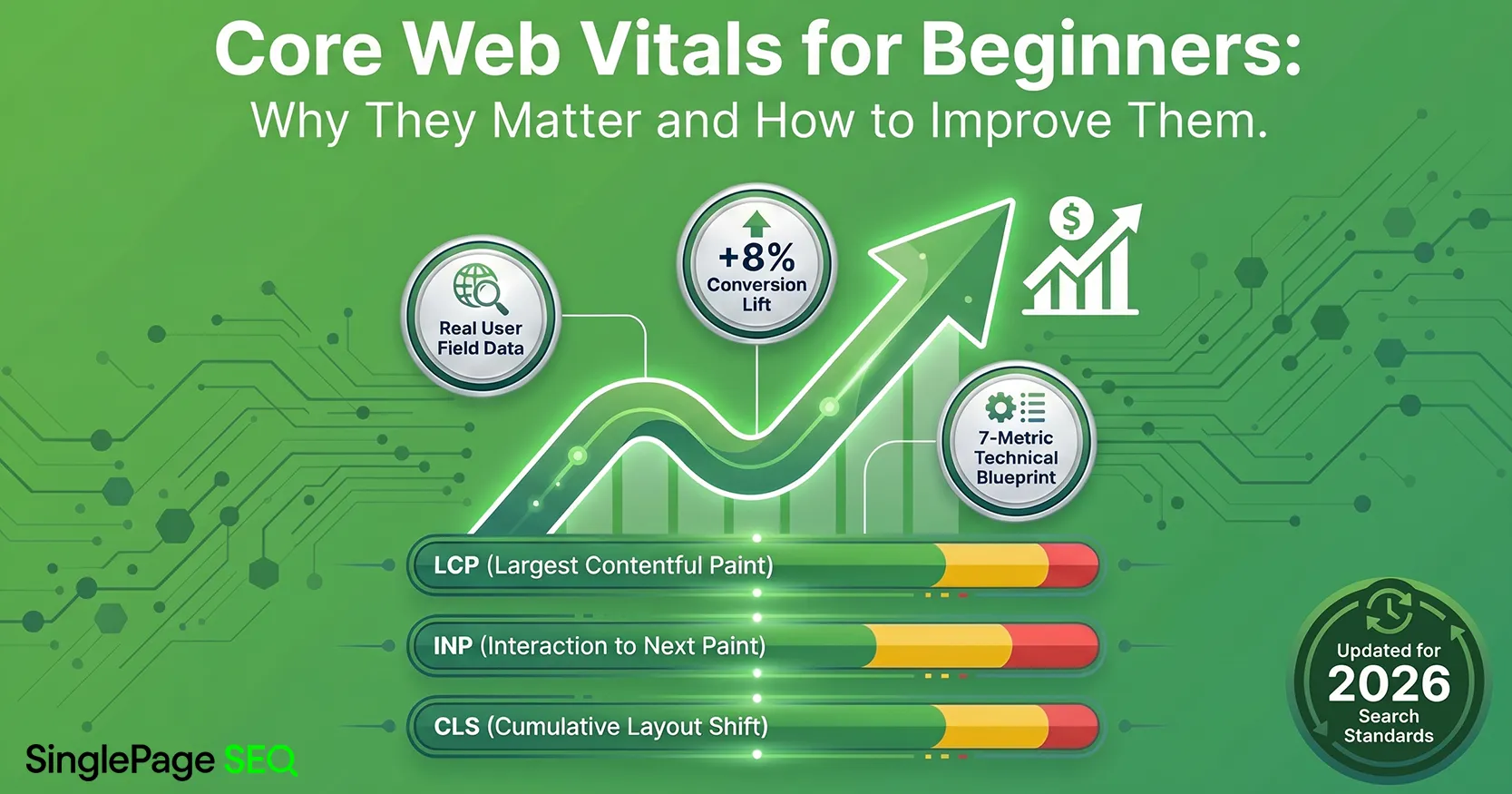
These seven metrics are categorized into two groups: the three crucial Core Vitals and four supplemental Diagnostic Metrics. The following two sections will break down what each of these Core Web Vitals metrics measures, why it influences your ranking, and the specific remediation steps required to improve your scores.
The Core Vitals: Pillars of User Experience

Largest Contentful Paint (LCP)
LCP measures how long it takes for the largest visible element on the page to appear. This is often a hero image, featured product, or primary headline area. Because this element anchors the user’s first impression, slow LCP frequently correlates with lower engagement and conversion rates.
Common causes include slow Time To First Byte, render-blocking scripts, and unoptimized images. For example, if your homepage relies on a large background image that is not compressed or prioritized, the browser cannot complete rendering until that asset finishes loading.
A practical Core Web Vitals strategy for LCP often includes using a content delivery network and preloading the LCP element. These steps help browsers load critical content sooner and create a faster perceived experience.
Interaction to Next Paint (INP)
INP measures how responsive a page feels throughout a user’s session. Instead of focusing on a single interaction, it evaluates delays across all interactions, such as taps, clicks, and form inputs.
Users expect immediate feedback. When the browser’s main thread is busy processing JavaScript, even simple interactions can feel sluggish. For instance, a user may tap an “Add to Cart” button and wait several hundred milliseconds before seeing any response.
Reducing INP typically requires more advanced development work, such as code splitting and using Web Workers. These techniques free up the main thread and improve responsiveness across the page.
Cumulative Layout Shift (CLS)
CLS measures visual stability by tracking unexpected layout movement. Pages that shift during loading can feel unreliable and frustrating, especially when users attempt to click buttons or complete forms.
A common example occurs when images or ads load without reserved space, pushing content downward and causing misclicks. Defining width and height attributes for all media elements prevents these shifts and is one of the most efficient fixes in any Core Web Vitals technical audit.
The Diagnostic Suite: Uncovering Hidden Bottlenecks

First Contentful Paint (FCP)
FCP tracks the moment the first visual element appears on the screen. A long delay before anything renders often points to deeper issues, such as slow server responses or blocked rendering resources. Poor FCP frequently signals that LCP will also suffer.
Time To First Byte (TTFB)
TTFB measures how quickly your server sends the first byte of data. High TTFB usually indicates hosting problems, inefficient databases, or missing caching layers. Improving TTFB supports nearly every other Core Web Vitals metric outcome.
Total Blocking Time (TBT)
TBT captures how long the browser’s main thread is blocked by long tasks. Heavy third-party scripts are common offenders. High TBT strongly predicts poor INP in real user data.
Speed Index (SI)
Speed Index evaluates how smoothly content appears during loading. Even when individual metrics look acceptable, a high SI reveals uneven or delayed visual completion that users can feel.
The ROI of Performance

Performance improvements directly affect revenue and trust. Google’s Web Dev’s article shows that a 0.1-second improvement in mobile speed can increase conversion rates by more than 8 percent. Real-world examples reinforce this impact. For example, Vodafone Italy increased sales after significantly improving LCP. In another case, Rakuten 24 saw major revenue gains after passing all Core Web Vitals. Beyond conversions, nearly 80 percent of shoppers report that they are less likely to return after a poor performance experience.
These outcomes explain why Core Web Vitals matters well beyond ranking.
The Core Web Vitals Audit Reality

Lab Data vs. Field Data
Lab data comes from controlled testing tools and is useful for diagnosing issues quickly. Field data, collected through the Chrome UX Report, reflects how real users experience your site across devices and networks.
Google uses field data for rankings. Understanding this distinction is critical when evaluating Core Web Vitals. This official, real-world data is primarily surfaced in the Core Web Vitals Report within the Google Search Console and is displayed in the Field Data section of tools like PageSpeed Insights. Learning how to read the CrUX Data Report is essential.
Technical Audit vs. Single Page Snapshot
Single-page tools provide limited insight into long-term performance. They often miss trends and variability. A full Core Web Vitals technical audit offers historical benchmarks and reliable field data.
For business owners, this connects performance to business outcomes. For SEO experts and developers, it provides the depth needed to prioritize fixes accurately.
Strategic Technical SEO Glossary

This glossary supports clearer conversations during audits and remediation work. It covers performance metrics, network optimization concepts, and search experience terms commonly referenced in any comprehensive Core Web Vitals guide.
Performance and Render Metrics
- Critical Rendering Path: The sequence of steps the browser follows to convert HTML, CSS, and JavaScript into visible content. A long or blocked rendering path delays what users see and directly affects First Contentful Paint and Largest Contentful Paint.
- DOM (Document Object Model): A structured representation of the page that the browser builds from HTML. Large or complex DOMs increase processing time and can slow rendering, especially on mobile devices.
- Main Thread: The browser’s primary execution thread where rendering, scripting, and user interactions occur. When the main thread is overloaded, clicks and taps feel delayed, which negatively impacts Interaction to Next Paint.
- Hydration: The process where JavaScript takes over static HTML to make a page interactive. Heavy hydration work can block the main thread and increase Total Blocking Time, especially on JavaScript-heavy frameworks.
- First Input Delay (FID): A retired metric that measured the delay between a user’s first interaction and the browser’s response. While no longer used for rankings, FID provides historical context for why Interaction to Next Paint was introduced.
- First Contentful Paint (FCP): The moment when the first visible element appears on the screen. A slow FCP often signals deeper server or rendering issues that later affect Core Web Vitals performance.
- Total Blocking Time (TBT): The total time the main thread is blocked by long tasks. High TBT is a strong predictor of poor Interaction to Next Paint in real user data.
- Speed Index: A measurement of how quickly visible content fills the screen during page load. It helps explain perceived speed, especially when other CWV metrics appear acceptable.
Resource and Network Optimization
- Browser Caching: A technique that stores files locally so repeat visitors do not need to re-download them. Proper caching reduces load times and supports more consistent Google Core Web Vitals performance.
- CDN (Content Delivery Network): A network of servers that deliver content from locations closer to users. CDNs reduce latency and improve Time To First Byte, especially for global audiences.
- Gzip and Brotli Compression: Methods for compressing files before they are sent to the browser. Smaller file sizes load faster and reduce strain on both the server and the user’s connection.
- Lazy Loading: A technique that delays loading images or media until they are needed. When used correctly, lazy loading improves LCP and Speed Index by prioritizing above-the-fold content.
- Render-Blocking Resources: Files, usually CSS or JavaScript, that prevent the browser from displaying content until they are fully loaded. Reducing or deferring these resources shortens the Critical Rendering Path.
- Time To First Byte (TTFB): The time it takes for the server to send the first byte of data. High TTFB often reflects hosting, caching, or database issues and is a foundational metric in any Core Web Vitals guide.
Search and Experience Terms
- Chrome UX Report (CrUX): Google’s dataset of real-world user experience metrics collected from Chrome users. CrUX provides the field data that Google uses for Core Web Vitals metric evaluation.
- Mobile-First Indexing: Google’s practice of primarily using the mobile version of a site for indexing and ranking. Poor mobile performance directly affects Core Web Vitals outcomes.
- Page Experience Update: A Google update that formally integrated user experience signals, including Google Core Web Vitals, into ranking systems.
- Lab Data: Performance data generated in controlled environments using tools like Lighthouse. Lab data is useful for debugging, but does not reflect real user behavior.
- Field Data:
Performance data collected from real users over time. Field data is the
basis for rankings and is essential when interpreting a Core Web Vitals
technical audit.
Moving from Surface Metrics to Meaningful Performance Improvements
Core Web Vitals become manageable when measurement is accurate, and improvements follow a clear process. This guide outlines how Google’s Core Web Vitals shape user experience, trust, and rankings in 2026.
The next step is moving beyond surface-level checks. A professional Core Web Vitals technical audit provides the clarity needed to make confident decisions and prioritize meaningful fixes.
Turn Your Site Speed into a Conversion Engine
Don't let outdated snapshots hide your true performance. Get the granular field data required to win in 2026 and see exactly how real users experience your website today.
Audit Your Core Web Vitals Now